
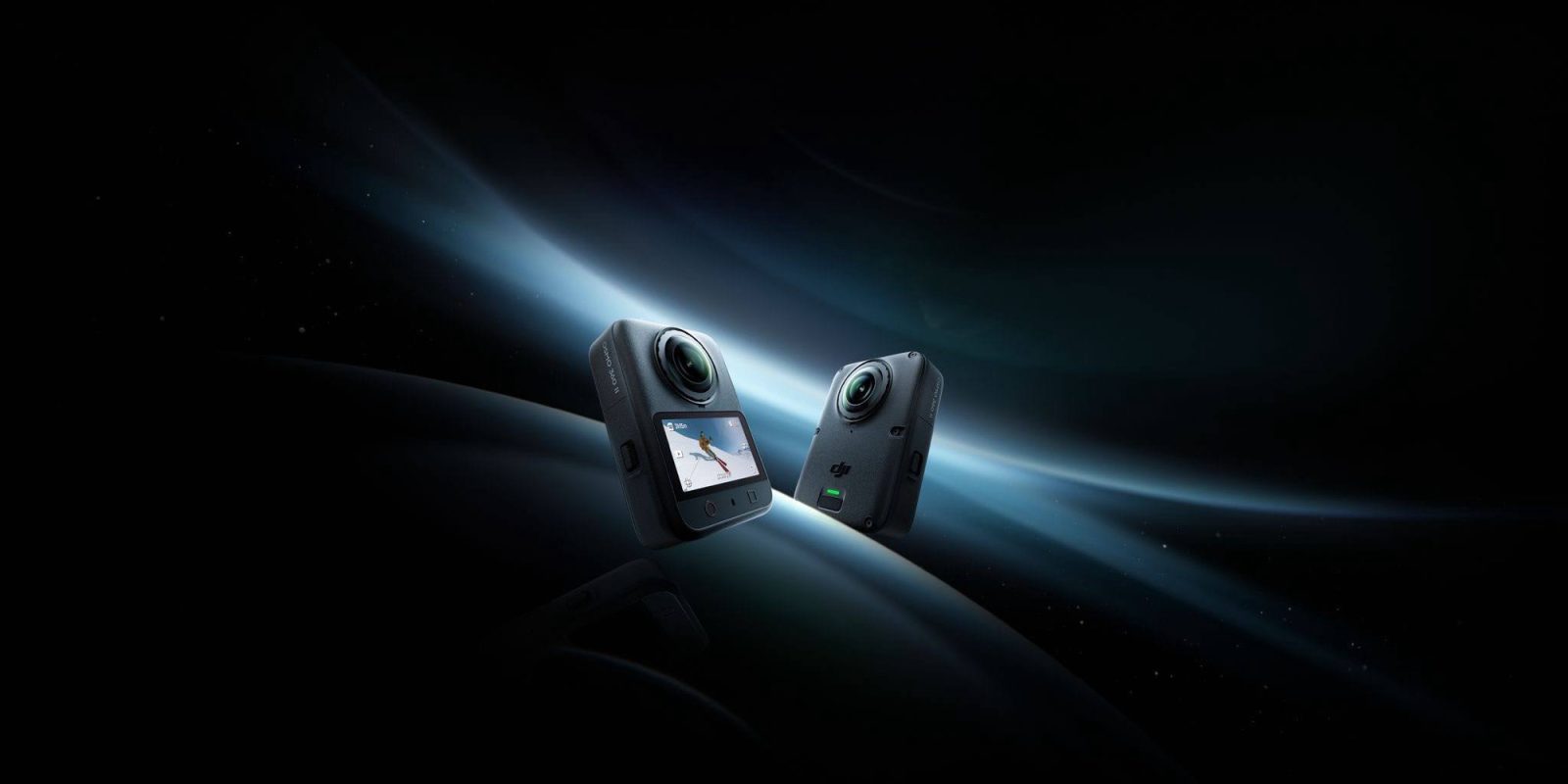
DJI is back with another 360 action camera to keep the pressure on its competitors. The camera sees an overall spec boost, a new square sensor, new AI tools for better low light performance, and the addition of D-Log.
We get hands-on in a few hours, but here’s what DJI has shared with us ahead of the launch event. None of it is tested and we have no pricing or availability yet, so these are their claims. Worth knowing that every number below carries DJI’s footnote: measured on a production model under controlled conditions.
Capture:
- 8K/60fps 360° video
- A 1-inch square HDR sensor, which DJI says holds the same 360° image field as a regular 1-inch rectangular sensor
- 14.5 stops of dynamic range, which they describe as double the brightness range
- AI SuperNight 2.0 for low light
- 2.4 μm pixels and a new chip, for sharp frames at speed
Process:
- 120MP HDR 360° photos – freeze any scene as an HDR 360° photo with true-to-life lighting and contrast
- 16K 360° timelapse – Capture the flow of time in 16K resolution, using Clouds mode
- 64x Pano Slow Motion — this one’s AI frame interpolation in DJI Studio after the fact, equivalent to cropped 8K/480fps. Generated, not captured.
- 8K/120fps Vortex – Turn moments into smooth high-definition wraparound slow motion
- 10-bit across every format, plus a D-Log M1 profile
Hardware:
- Replaceable lenses with a hard coating
- 183g, 105GB built in
- 100 min at 8K/30, 80% charge in 22 min, +180 min with the Battery Extension Rod
- 10m waterproof out of the box, 50m in the case, rated to -20°C
- Four-mic array, OsmoAudio for the DJI Mic family, magnetic quick-release with a 1/4″ thread
Workflow:
- Spotlight Follow keeps a subject centered no matter how the camera rotates, so you’re not reframing in post
- An NFC pad connects to Mimo, moves footage, or jumps to editing with one tap
- A DaVinci Resolve plugin for importing 360° files — though they still come out of DJI Studio first
That last bit is the whole thing for me. 360° is fun to shoot but brain-numbing to work with. I’ve shot hundreds of hours of it and reached for regular video during edit anyway, because I have to pick framing and export before I ever get into Resolve. What I want to know is whether I can finally reframe *in* the edit instead of committing to it beforehand. The Resolve plugin still ingests DJI Studio exports, so the step hasn’t gone away, it’s just plumbed better. Whether that’s enough is a question for real footage.
And if that does work, then the sensor claims start to matter, because reframing means cropping into the image, and there needs to be enough there to survive it.
With this offering DJI is seeking to engage a wider set of users across a broader range of activities.
At release, DJI is planning to offer accessories that will cater to scuba diving, motorcycling, skiing, mountain biking, and vlogging.
This on top of looking at professional users who are seeking to use 360° footage more effectively.
More after the hands-on, and again once we’ve run it through our own workflow.


FTC: We use income earning auto affiliate links. More.


Comments