
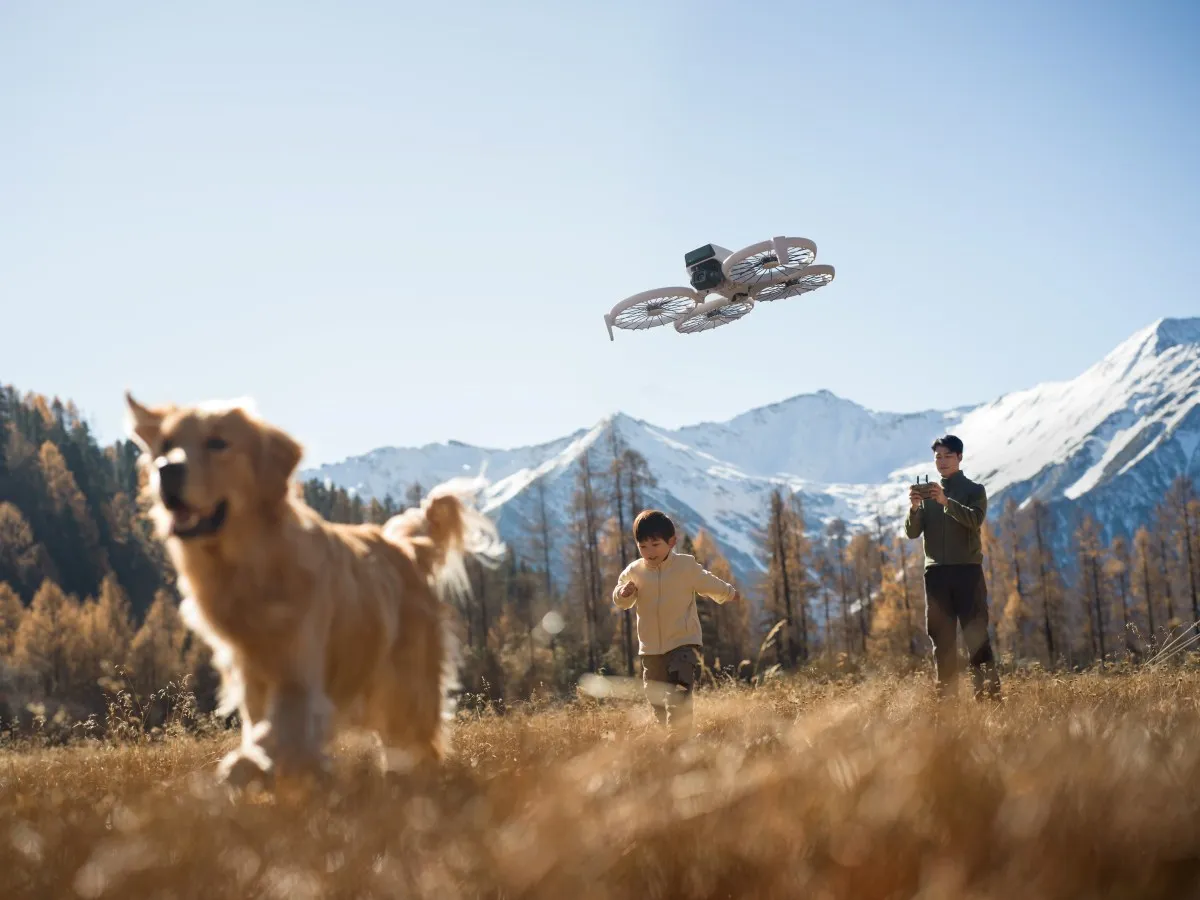
The weather has begun to shift up here in the north, and while you southerners might have been enjoying the 70s all winter long, for us, we’re finally able to start taking our drones out of storage for the first flights of the year. Here are five things you should remember to do before taking it out on a family vacation or to your go-to spot.
Check for firmware updates
This one is a no-brainer. You should obviously never fly a drone with old firmware. Between potential flight-breaking bugs, security patches, and just missing out on cool features, also take the time to download and install the latest firmware for both your drone and controller. Also, don’t forget to update your phone app if you’re not using a DJI RC or RC Pro.
Check for airspace changes
Another thing that might have changed since you’ve last flown are airspace restrictions. While it’s rare, you never know when a pesky restricted zone or explosion of controlled airspace could happen, especially if you live near military installations or a large airport.
This is obviously something you should be checking before you fly every time in case a TFR shows up. Flying into one of those could make for a bad day.
Remember Remote ID is a thing
Remote ID went into full effect last year, and if you’re flying a drone from a popular manufacturer from the last decade or so, you should be good to go. Here’s a complete list of DJI drones that are already certified with Remote ID.
However, if you’re flying a home-built drone or something much older that’s not on the FAA’s list, then you’ll need to attach one of these Remote ID modules and then register that module with the FAA. A pain in the ass, but it’s the law.
This is more a tip to remind you that since last fall, the public sentiment around drones has changed dramatically, thanks New Jersey drone lights. More states are attempting to or have passed regulations to restrict drone flights over critical infrastructure, and there is a more than likely chance you could be confronted in public about flying your drone.
So just don’t do anything stupid.
Take your drone for a test flight
One annual step I take everywhere when I bring my drones out to fly is to do a test flight in a large open field away from people. While nothing may have happened to my drones while in storage, a new firmware update or a forgotten drop of a camera bag could make for a rough first flight.
Take the time to refamiliarize yourself with your drone and just do a double check that everything works the way it’s supposed to.
Check your batteries for damage
One final check before you fly a drone at all should be your batteries. A bad battery could cause serious damage to your drone and pose a safety risk if it leads to a drone failure over people.
Check to make sure there is no physical damage, swelling, or water damage to any of your batteries. If there is, these should be disposed of, and you’ll need to order a new one. DJI will likely not take these back, as shipping damaged batteries, even small ones, usually isn’t something the FAA and shipping companies are thrilled about.


FTC: We use income earning auto affiliate links. More.


Comments