
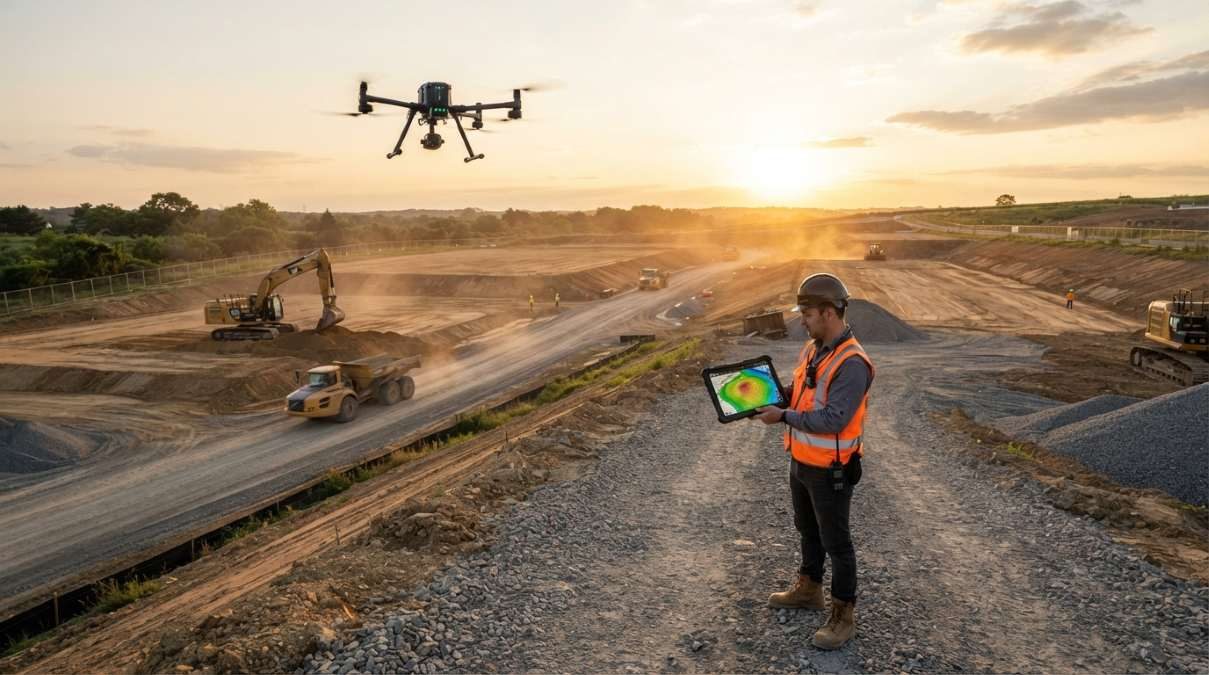
Drone mapping teams can now compare 10 site surveys, calculate cut-and-fill volumes, check accuracy against ground control points, and plan security camera placement directly in SkyeBrowse.
SkyeBrowse is giving drone mapping teams more reasons to stay inside its 3D mapping platform, rolling out a new set of tools for construction monitoring, survey accuracy checks and security camera planning.
The Texas-based company announced Timelines, a collection of construction analysis features, and Camera Coverage, which helps users plan camera placement using a 3D model of a site. The tools are available now through SkyeBrowse’s platform.
The update targets a familiar problem for drone operators: collecting aerial data is only part of the job. Turning that data into useful answers about earthwork, stockpiles, site changes and security coverage can mean exporting models into other software and working through additional spreadsheets.
SkyeBrowse wants to cut out those extra steps.
“Our customers told us they were juggling exports, spreadsheets and CAD round trips to get answers that were already in their scans, so we put those answers on the model,” says Bobby Ouyang, cofounder and CEO of SkyeBrowse.
Compare up to 10 site surveys over time
The new Timelines feature lets teams bring up to 10 surveys of the same site into a single view. Users can move along a date rail to transition between surveys, play through different dates or highlight changes to see what has appeared, disappeared or moved.
That could be useful for construction managers tracking a project from one drone flight to the next. Instead of manually comparing separate models, teams can visualize how a site has evolved and take measurements from any survey in the timeline.
Each new survey automatically aligns with a base survey. If the alignment is off by approximately 4 inches or more, the platform prompts users to match three points to correct the fit. Surveys can also be viewed against satellite imagery, while read-only public links let teams share timelines with clients without requiring them to log in.
New: DJI updates two classic drones after years of firmware silence
Earthwork calculations without the CAD detour
SkyeBrowse is also adding several tools designed to help construction teams get more information from their drone scans.
Cut/Fill compares a captured 3D model against an imported design surface, supporting LandXML, DXF and GeoTIFF elevation files. It overlays a heatmap on the model and calculates remaining cut, fill and net volumes, helping teams understand how much earth needs to be moved to meet a design.
Cross-Sections generates station-and-offset sections along a centerline at intervals selected by the user. It can also produce haul-road grade reports, with results exportable to CSV, DXF, and PDF files.
For sites storing large amounts of material, Stockpile Inventory measures multiple piles in one operation. Users can assign names, materials, and density values to individual piles, then convert calculated volumes into weight estimates. Available base methods include triangulated toe, best-fit plane, average, lowest point, and custom base options.
The resulting inventory reports can be exported as CSV or PDF files.
Another addition, Bare Earth, helps distinguish actual ground from trees, buildings, and vehicles that can distort surface contours. The tool classifies ground points and lets users switch between a digital surface model (DSM) and a digital terrain model (DTM). Outputs include GeoTIFF and classified LAS files.
Check survey accuracy against your own control points
Although SkyeBrowse says its platform can deliver survey-grade accuracy without ground control points (GCPs), some clients and project specifications still require documented verification against surveyed reference points.
The new GCP tool addresses that need. Users can import ground control points or checkpoints from CSV, TXT or XYZ files, specify a coordinate system using an EPSG code and choose between ellipsoidal and orthometric heights.
The platform then reports errors in the X, Y and Z directions, root mean square error (RMSE), bias and NSSDA 95% accuracy. It also generates a pass-or-fail result based on the user’s specified tolerance, with reports available in PDF and CSV formats.
Importantly, the verification process does not alter the processed model.
New: DJI Mini 2 drone gets new firmware after years without an update
Plan security cameras before installation
Camera Coverage brings another use case to the same 3D environment. Public safety agencies, event security teams and construction site managers can place virtual cameras on a model, set their mounting height, field of view, range and tilt, and visualize the areas each camera can see.
The tool calculates how much of a site, or a user-defined area, receives coverage from at least one camera. Its Suggest feature can recommend up to 10 camera positions or identify the best remaining location for an additional camera.
There are also options to account for environmental conditions. Users can examine how snow and plow piles obstruct views and check when sunlight could cause glare, using a year’s worth of sun positions to identify affected months and hours.
For teams planning perimeter protection or temporary event security, this could help identify blind spots before installing physical equipment.
Pricing and availability
The new features are available on SkyeBrowse Pro models, priced at $49.99 per model, and on Public Safety and Enterprise plans. New organizations can also access Camera Coverage and all the construction tools except Timelines through the company’s $5 first Commercial model offer.
SkyeBrowse says its platform is used by more than 1,200 public safety agencies worldwide. With this release, the company is extending its drone-video mapping workflow beyond creating 2D maps and 3D models, adding tools to analyze, verify, and act on the data without as many software handoffs.
More: DJI Osmo Pocket 4 update makes tracking easier for holiday videos


FTC: We use income earning auto affiliate links. More.




Comments