How to control your DJI Osmo gimbal from Apple Watch

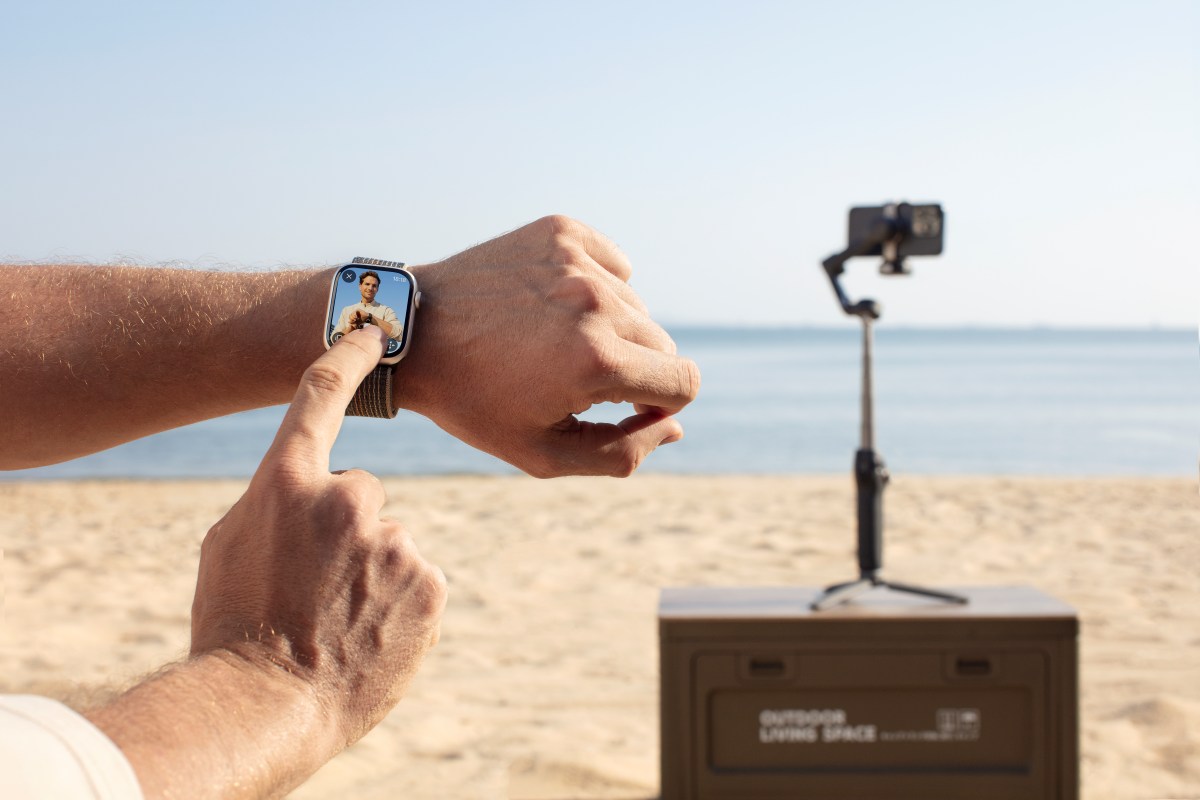
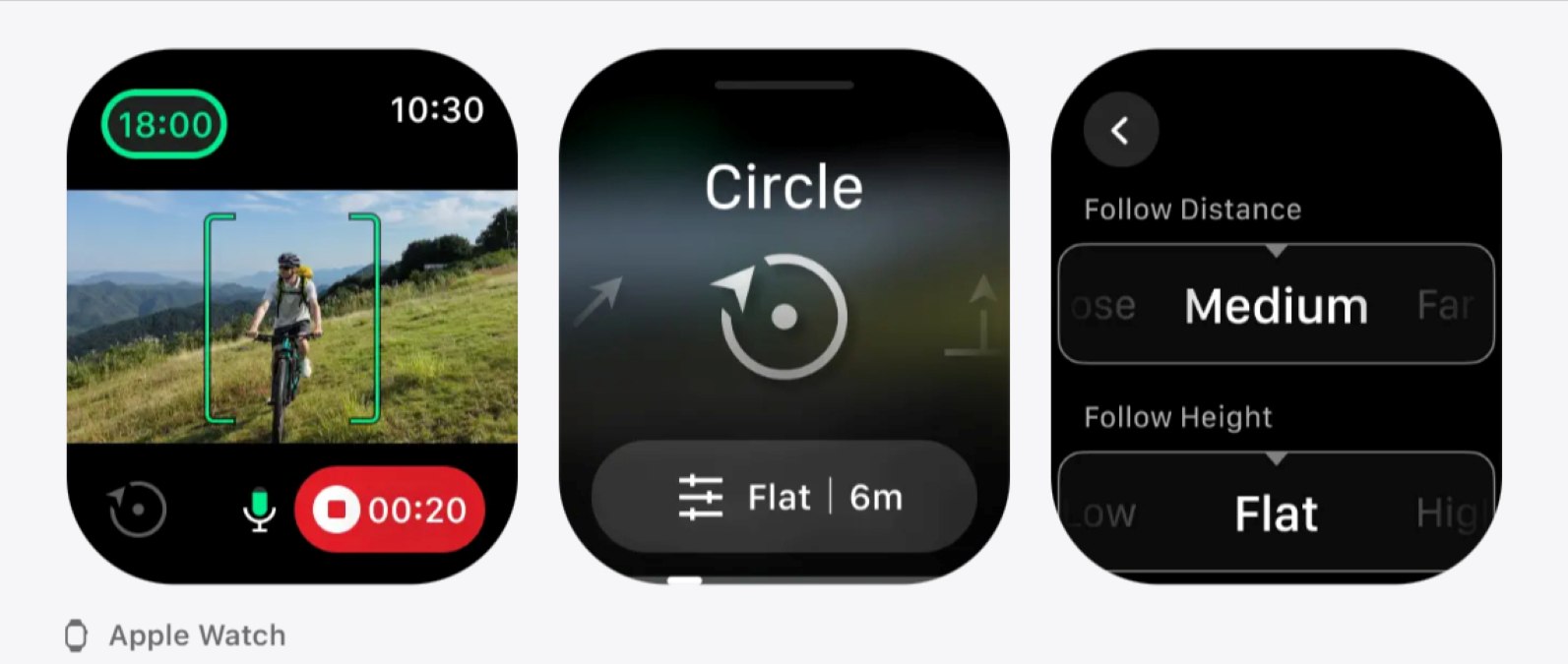
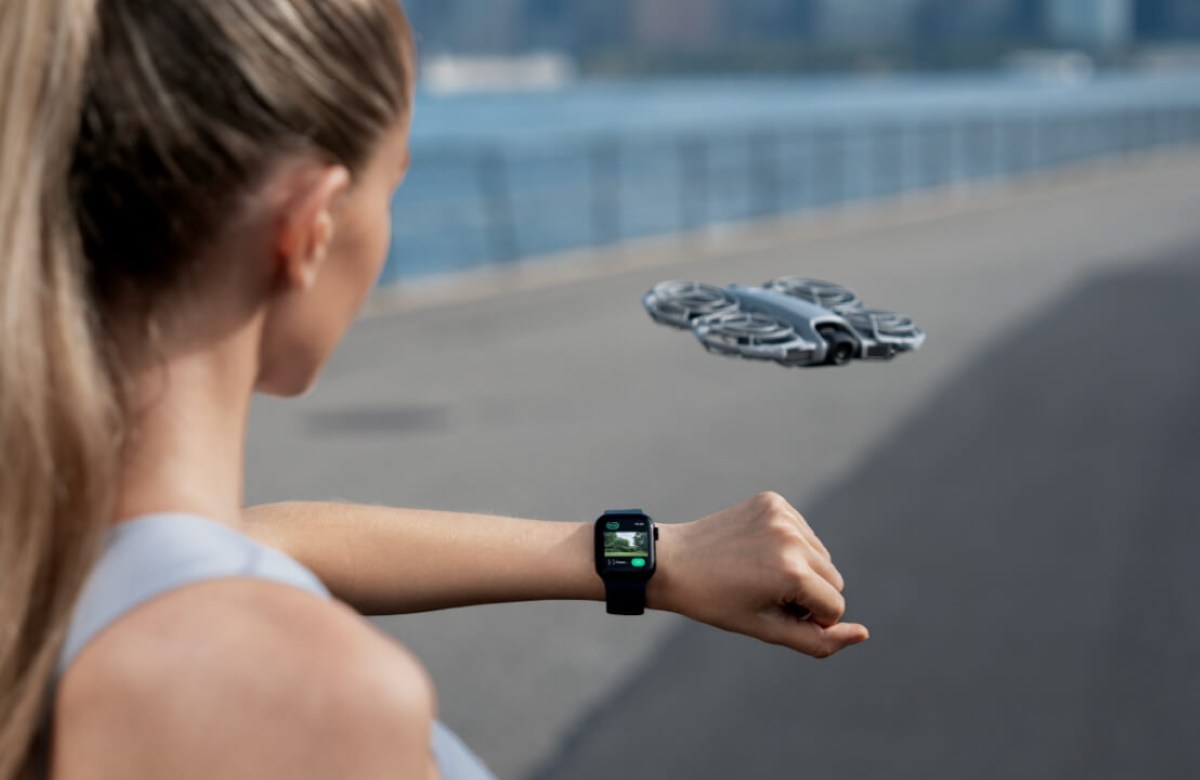
If you already own a DJI Osmo Mobile gimbal, you might be sitting on one of its most underrated features. With the DJI Mimo app, your Apple Watch can act as a live view monitor and remote controller, letting you start recording, adjust framing, and even activate subject tracking without touching your phone. For solo creators, travelers, or anyone tired of running back to hit record, this setup feels surprisingly liberating. Here’s how to use it properly, and what to expect…
Expand Expanding Close